
JR Copier of Minnesota sells, leases, rents and services office copiers and laser printers for businesses in Rogers. We stock Canon, Ricoh, Xerox, Konica Minolta, HP, Kyocera and Sharp, and we match the machine to your actual monthly page volume rather than the biggest unit on the showroom floor.
Whether you want to buy, lease or rent, you get a written quote with the equipment price, the monthly payment, the cost per page for service and toner, and the term length spelled out. No surprise fees at delivery and no auto-renew clauses buried in the paperwork.
Every machine we deliver, new or reconditioned, is installed on your network, connected to your computers and scan-to-email accounts, and covered by a maintenance plan that includes toner, parts and on-site labor. Call 888-331-7417 or request a copier quote online.
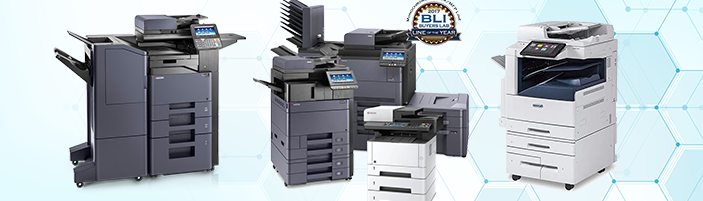
Copier Sales Rogers Minnesota | Buy • Lease • Rent
Call Now 888-331-7417
Copier and MFD Printer Sales, Lease and Rentals in Rogers MN
A multifunction device (MFD) replaces a separate copier, printer, scanner and fax machine with one networked unit. For most Rogers offices that means lower supply costs, one service contract instead of four, and staff who print, scan and copy from a single panel. We carry desktop units for two-person offices up through 90 page-per-minute production printers for print rooms and schools.
What we supply
- Sales: New and reconditioned copiers, color and black-and-white, with a written warranty.
- Leasing: 36, 48 and 60 month terms, fair-market-value or one-dollar buyout, little or no money down.
- Rentals: Daily, weekly and monthly rentals for projects, elections, trials, conferences and temporary offices.
- Maintenance plans: Cost-per-page agreements covering toner, drums, fusers, parts and on-site labor.
- Repair service: Manufacturer-trained technicians, next-business-day response in the Rogers metro.
How to choose the right copier for your Rogers office
Four numbers decide which machine you should be quoted. Have them ready and the quote will be accurate the first time.
- Monthly page volume. Count pages from your current meter reading or toner purchases. Under 3,000 pages a month suits a desktop unit; 3,000 to 15,000 suits a mid-range floor model; above 15,000 calls for a departmental or production copier. Machines run past their rated duty cycle fail early and eat service calls.
- Color share. If fewer than one page in ten is color, a black-and-white copier plus a small color printer is cheaper than a color MFD. Color pages cost roughly six to eight cents each on a maintenance plan versus about one cent for black.
- Speed in pages per minute. 25 to 35 ppm is adequate for most small offices. Choose 45 ppm or higher when several people share one machine or when you regularly run jobs of 200 pages or more.
- Paper handling. Decide whether you need 11 x 17, envelopes, card stock, stapling, hole punching or booklet folding. Finishers add cost and are cheaper to specify at purchase than to retrofit.
Then ask about scan-to-email, scan-to-folder, mobile printing, user authentication and hard-drive encryption. Medical, legal and accounting offices in Minnesota should confirm the copier's hard drive is wiped or removed at the end of a lease; we document this in writing.
Brands we carry
- Xerox - AltaLink and VersaLink multifunction printers; strong color output and app-based workflows.
- Ricoh - Reliable mid-volume workhorses with low cost per page.
- Canon - imageRUNNER ADVANCE series; excellent scanning and document security.
- Konica Minolta - bizhub line; wide finishing options and strong color accuracy.
- HP - LaserJet and PageWide printers for small workgroups and desktop use.
- Kyocera Copystar - Long-life drums that keep maintenance costs down over a 60-month lease.
- Sharp and Brother - Value-priced options for offices under 5,000 pages a month.
Sales, lease and rental options at a glance
| Option | Brands available | Terms | Typical use | Service included |
|---|---|---|---|---|
| Purchase | Canon, Ricoh, Xerox, Konica Minolta, HP, Kyocera, Sharp | Outright; financing available | Long-term ownership, low to mid volume | Warranty plus optional cost-per-page plan |
| Lease | Xerox, Konica Minolta, Ricoh, Canon, Kyocera, HP | 36, 48 or 60 months | Businesses that replace equipment every 3 to 5 years | Maintenance plan bundled or billed separately |
| Rental | HP, Xerox, Ricoh, Konica Minolta | Daily, weekly, monthly | Projects, events, temporary offices | Delivery, setup, toner and repairs included |
Certifications and compliance
Our technicians hold manufacturer certifications for the brands we sell and complete factory update training each year. We follow ENERGY STAR guidance when recommending equipment, recycle used toner cartridges and drums through manufacturer take-back programs, and dispose of retired machines through certified e-waste recyclers in Minnesota.
Copier Sales Rogers MN
Copier Sales | We handle the quote, delivery, installation, training and service so you can get back to work.- Office copiers that copy, print, scan and fax
- Production printers
- Laser printers
- Desktop copiers and printers
- Color laser printers
- Maintenance plans
- Copier leasing
- Office laser printer sales
JR Copier is an independent office equipment dealer supplying copiers and printers in the Rogers, Minnesota metro area. We have worked with small and medium-sized businesses since 1989. We supply all types of workplace copier & printer equipment with the appropriate funding options. We provide adaptable leases; we can fund a black and white printer or a color printer, and everything from all-in-one copiers to printers, cordless printers and photo printers. Select JR Copier for office photocopier & printer acquisition as well as easy leasing. Copier Sales Minnesota
Copier Sales Service Area in Rogers Minnesota
Office Equipment Buy • Lease • Rent
Why choose a Copier from us? | Copier Sales Rogers MN
When you are in the market for a new office machine like a copier, we provide a wide range of multi-function photocopiers allowing you to print, scan, fax and copy with pricing to fit any type of office budget. We offer, lease and rent brand-new as well as pre-owned copier, printer, fax as well as scan devices that we personally recondition in our Rogers, Minnesota based shop.
Our reconditioning team deliver machines only after they have actually been inspected, fixed and tested to satisfy our high quality standards. We then back our devices with the longest as well as most extensive warranty in Minnesota.
Please contact us so we can review your goals as well as requirements when it pertains to your copier, printer, scanning as well as faxing requirements.
Buying vs. leasing a copier | Copier Sales Rogers MN
These are the questions Rogers business owners ask before they sign. The answers match the pricing we quote today; call if your situation differs.
Should I buy or lease a copier?
Buying costs less over the life of the machine and leaves you with an asset you can resell. Leasing spreads the cost into a fixed monthly payment, needs little or no money down, keeps the equipment current at the end of the term, and the payments are usually deductible as an operating expense. Businesses that print 5,000 pages a month or more, or that want to replace the machine every three to five years, usually lease. Low-volume offices that plan to keep one machine for many years usually buy.
How much does a copier lease cost per month?
A low-volume black-and-white desktop copier leases for about $65 to $150 a month. A mid-volume color multifunction copier runs $150 to $400 a month. High-volume and production units run $400 to $900 or more. Price depends on the equipment cost, the term length (36, 48 or 60 months), whether a maintenance plan is bundled, and your monthly page volume. See the true cost of leasing a copier for a worked example.
How much does a new office copier cost to buy?
A new mid-range office copier printing 30 to 55 pages per minute costs about $6,000 to $13,000. Heavy-volume and production copiers cost $20,000 to $35,000 or more. Refurbished office copiers average $4,000 to $5,800 and carry a warranty when purchased from a dealer that reconditions them in-house.
How does a copier lease work?
A lease is a contract between you and a finance company. The dealer delivers and installs the copier; you make fixed monthly payments for the term, usually 36, 48 or 60 months. At the end you either return the machine, buy it for a fair market value, or buy it for one dollar, depending on the lease type you chose at signing. Service, toner and parts are normally covered by a separate maintenance agreement billed per page. Read more on our copier leasing page.
Can I get out of a copier lease early?
Only by paying the remaining balance. Leases are non-cancellable finance contracts. Some dealers offer to roll the remaining payments into a new lease on newer equipment; this raises the monthly cost of the new lease and is rarely a good deal unless the old machine no longer meets your needs. Check your contract for the notice period before the end of the term so the lease does not auto-renew. Our article on upgrading with six months left on a copier lease covers the math.
What is included in a copier maintenance agreement?
A cost-per-page maintenance agreement covers toner, drums, fusers, other consumable parts, labor and on-site service calls. Paper and staples are excluded. You pay a set price per black-and-white page and per color page, either as a flat monthly base with an allowance or purely on metered usage. Response time for service calls is written into the agreement, typically four to eight business hours. Details are on our copier service and maintenance page.
The Benefits Of Buying A Copier
Lesser Expenses
Generally, it's nearly always less costly to obtain your printer or more than it would be to rent one. Firms hoping to spend less about the attention of products and services will typically opt for purchasing copiers over renting them.
Benefits of purchasing
- Less expensive: It is almost always less expensive in the long run to purchase a printer or copier than it is to lease one. Companies that want to minimize the amount they pay in interest for goods and services will usually opt for buying over leasing.
- Recoup investment: Even though a printer is a depreciating asset, a used printer can be sold if it's no longer needed, whereas a leased printer cannot.
- No contracts: When a company purchases a printer, it's not locked into a contract with a third-party provider.
- Flexible maintenance: A leased printer is the property of the lessor, which typically means the lessee is not contractually allowed to perform any type of maintenance. This puts the lessee at the mercy of the lessor when things break. When a company owns equipment outright, the manager or owner can immediately hire the tech of their choice to service company printers without hesitation or outside approval.
COPIER SALES ROGERS MN
Functions to Look for When Reviewing Office Copy Machines
Copier Features In the digital age, standalone copy machines are nearly considered dinosaurs. They've been replaced by the multi-function printer or MFP. Modern-day copy machines are workhorses. They copy, print, scan, and most can be set-up as fax makers too!
While all copy machines perform the same fundamental tasks, each one has unique functions. Understanding which features are important for your business will help you pick the best machine.
Black and White or Color
Black and white photo copiers work fantastic if all you do is make standard copies. Think about a color copier if you pay a print store for little color print tasks.
Flexibility and Flexibility
Benefit is what drives entrepreneur to buy organization copy machines. Look for a machine that manages numerous paper sizes. Make certain it likewise handles a variety of media such as photo paper, labels, transparencies, and various weights of cardstock.
Terms you will see on a copier quote or lease
Pages per minute (ppm) is the rated print speed. Duty cycle is the maximum monthly volume the manufacturer supports; keep your real usage under half of it. Cost per page is the metered service charge for toner, parts and labor. Lessee is you, the business making the payments; the lessor is the finance company. Fair market value (FMV) and $1 buyout describe what you pay to own the machine when the lease agreement ends. Multi-function printer, MFP and copier machine are used interchangeably by Ricoh, Kyocera, Canon and Xerox for the same class of laser equipment. Ask the supplier to list ppm, monthly allowance, overage price and term length on every quote so options compare on the same basis.
Top office equipment supplier ROGERS MN
Copiers, printers and multifunction devices to buy, lease or rent in MN.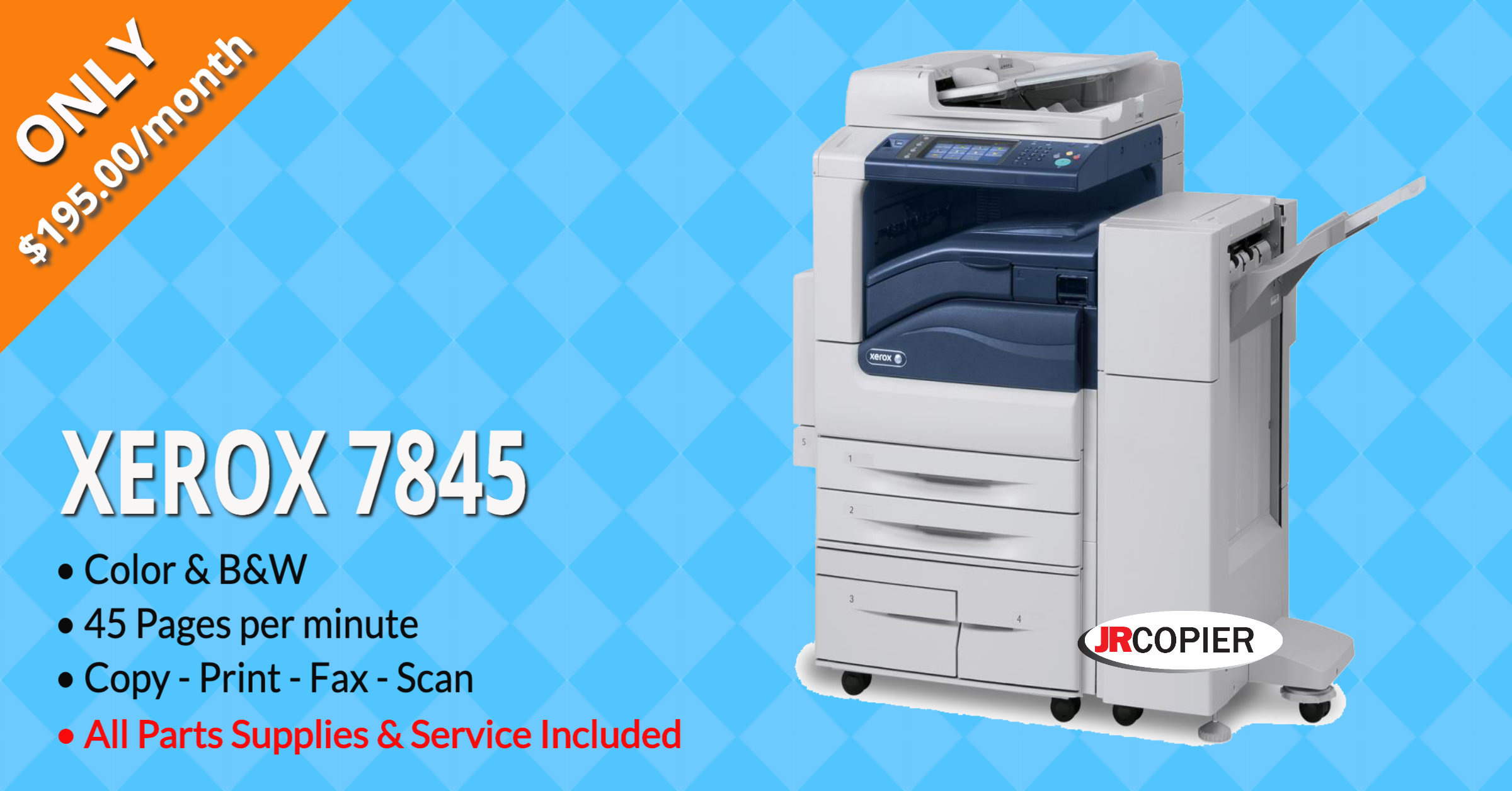
What is an MFP (multi-function printer)?
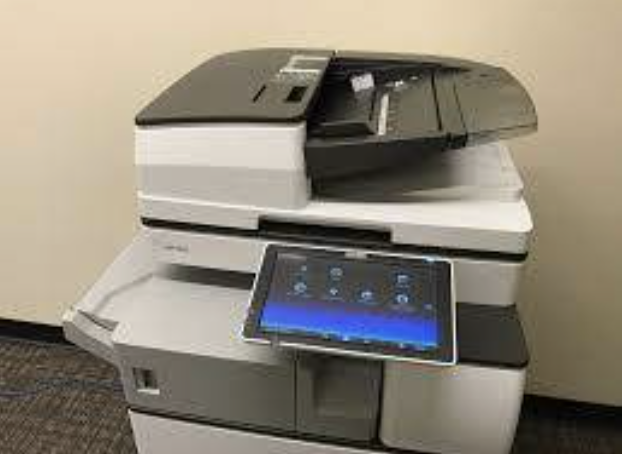
An MFP (multi-function product, printer or peripheral), also sold as an all-in-one (AIO) or multi-function device (MFD), is an office machine that combines several devices in one cabinet. In a home or small business (the SOHO segment) the goal is a smaller footprint; in a large office the goal is centralized document capture, distribution and production. A typical MFP combines some or all of email, fax, photocopier, printer and scanner functions.
What is a copier?
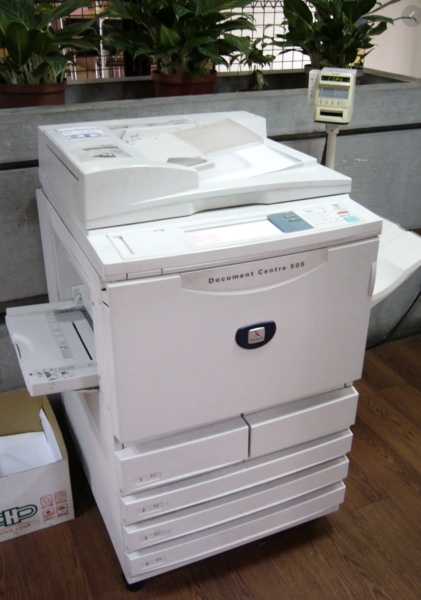
A photocopier duplicates documents and images onto paper quickly and at low cost. Modern digital copiers scan the original once, store it, and print as many copies as needed, which is why nearly every copier sold today is also a network printer and scanner.
 |
 |
Rogers Helpful Links
- City of Rogers, MN
- Weather in Rogers Minnesota
- Rogers, MN Info
- Rogers Recreation
- Rogers, MN Building Permits
Office equipment services we offer in Rogers Minnesota
Select your office equipment options from the following table
| Feeder | Laser technology | Print resolution (DPI) |
| Print head | Digital printing technology | Color management system |
| Scanner bed | Thermal printing technology | Canon |
| Toner cartridge | Printer drivers | HP (Hewlett-Packard) |
| Ink cartridge | USB connectivity | Epson |
| Drum unit | Ethernet port | Brother |
| Fuser unit | Wi-Fi functionality | Xerox |
| Output tray | Bluetooth connectivity | Lexmark |
| Display panel/Interface | Print server | Ricoh |
| Paper tray | Print spooler | Kyocera |
| Duplex unit | Copying function | Konica Minolta |
| Paper | Printing function | Samsung |
| Ink and toner | Scanning function | Energy efficiency |
| Maintenance kit | Faxing capability | Ergonomics |
| Inkjet technology | Automatic Document Feeder (ADF) | Noise level |
| Duplexing feature | Maintenance and service |
